
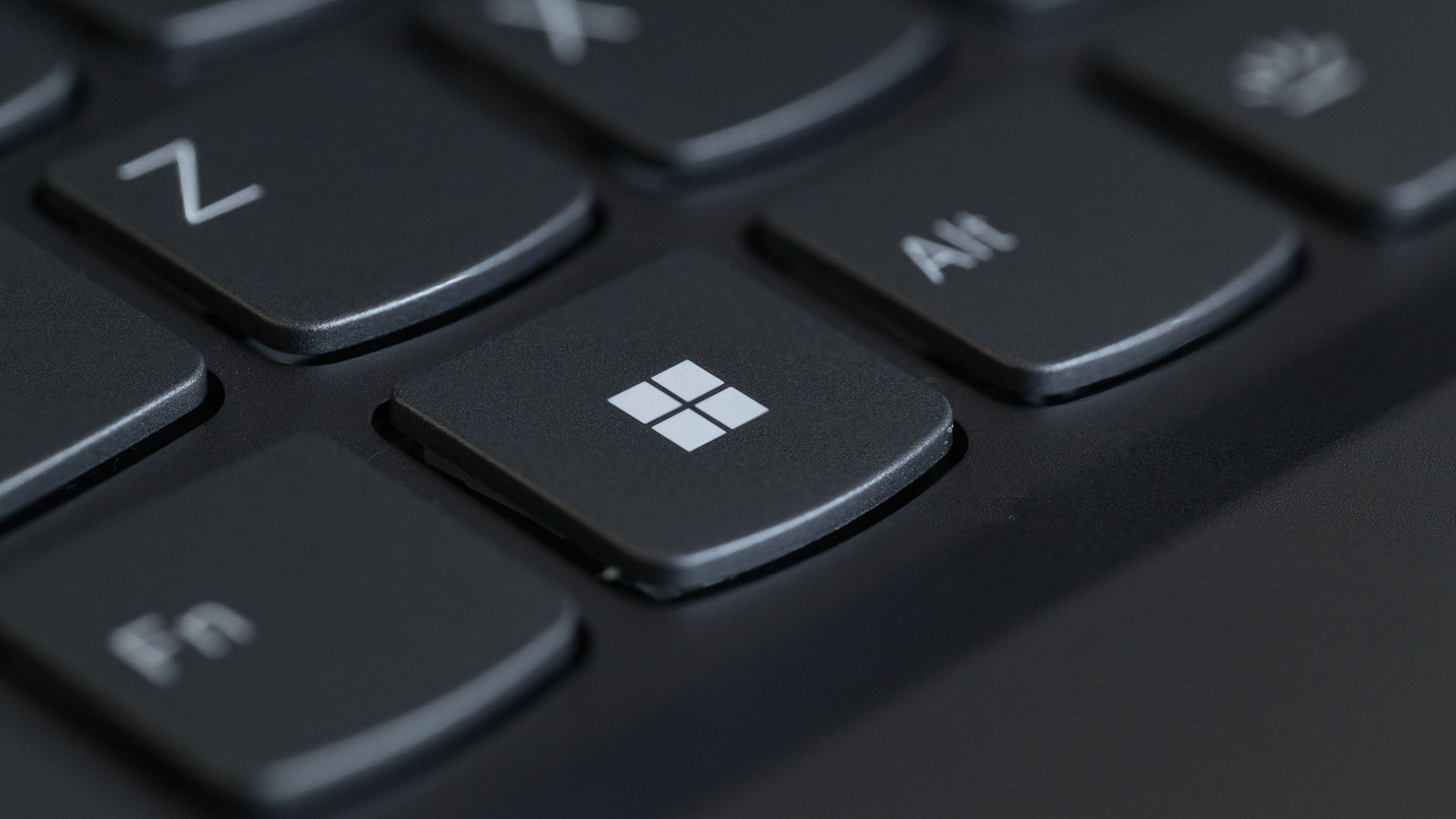
Windows 11’s October Changes: What’s Rolling Out—and What Your PC Actually Gets
Microsoft’s October announcements mix security updates, gradual improvements and experimental features. Here is how to tell which changes apply to your PC.


Updating Windows this month does not mean every feature in Microsoft’s latest presentation will appear on your PC. The October announcements bring together a security release, changes reaching users gradually and features still being tried by Windows Insiders.
The useful question is which of those applies to your machine. A missing Search redesign may be expected. An unsupported Windows release needs a different response.
Availability checked on 20 October 2026.
First, separate the update from the announcement
The 15 October Windows presentation describes a wider effort to improve the everyday experience. It is not a promise that installing one update unlocks the whole presentation. Microsoft’s July progress report already described a programme moving from previews towards broader autumn distribution.
The monthly security release is a separate reference point. KB5127648, dated 13 October, covers Windows 11 versions 24H2, 25H2 and 26H2, with a different build number for each. Its release notes also carry fixes and known issues. That is the page to check when a problem follows that particular installation.
The Search redesign is still a preview
Microsoft’s dedicated Search announcement is more specific than the broad presentation: the new taskbar experience began rolling out to the Experimental channel on 7 October, initially in English. It combines results in a simpler list and introduces actions such as changing a setting directly from search.
Richer previews and phone actions are described as later additions. The initial preview also keeps the existing search experience inside Start. Those distinctions matter if a screenshot looks different from your desktop: you may be comparing different release stages, rather than a failed update.
For a work computer, there is little reason to join an experimental channel just to reproduce a new interface. Wait for the supported release path unless you deliberately want to test preview software.
Photos has its own release schedule
The new Photos announcement introduces a Gallery, rebuilt Editor and redesigned Viewer. Microsoft says the rollout starts with Windows Insiders, with availability expanding to other Windows 11 users later in the year.
That is a different delivery path from the monthly security patch. Microsoft distributes app updates through the Microsoft Store, so checking Windows Update alone does not establish that Photos is current. Conversely, having the latest app offered to your PC does not mean a staged feature has reached it.
For everyday use, the distinction is simple: keep the app updated, then judge the tools actually present. Do not reorganise your photo library around a feature you have only seen announced.
“Up to 20%” is not a speed boost for every task
Microsoft reports responsiveness improvements of up to 20%. Its qualification compares response times for selected Windows interactions on two specified builds and says results vary with device, configuration and use. It does not establish a 20% increase in game frame rates, battery life or every application’s speed.
A useful improvement is less waiting during work you already do. It is not, by itself, a reason to replace a functioning PC. Storage, memory pressure, background software and the application remain part of that decision.
Check your version before chasing features
Search for winver to identify your Windows release and build, as Microsoft explains in its version-check instructions. Then look at Settings → Windows Update → Update history and compare the installed update with the relevant notes.
There is an immediate lifecycle distinction: Microsoft lists the end of support for Windows 11 24H2 Home and Pro in October 2026. Its Home and Pro lifecycle table gives separate dates for other releases. Do not apply that notice indiscriminately to Enterprise and Education editions.
The company has also previewed more control over update timing. Extra control should help you plan a restart, rather than become a reason to leave security updates paused indefinitely.
If the computer is managed by an employer, follow the organisation’s update policy. On your own PC, keep a current backup and use the update offered through the normal supported route. A missing preview feature can wait; maintaining a supported Windows installation deserves attention first.
Smarter choices start with clearer information.
MASEVIO researches, compares and explains products, technology and emerging ideas to help make everyday decisions easier to understand.
MASEVIO may use affiliate links in some articles. If you buy through an eligible link, MASEVIO may earn a commission at no additional cost to you. Editorial opinions are not determined by affiliate partnerships.

Make every day smarter.
Discover what matters now — useful ideas, standout products, clearer comparisons and stories worth knowing.