
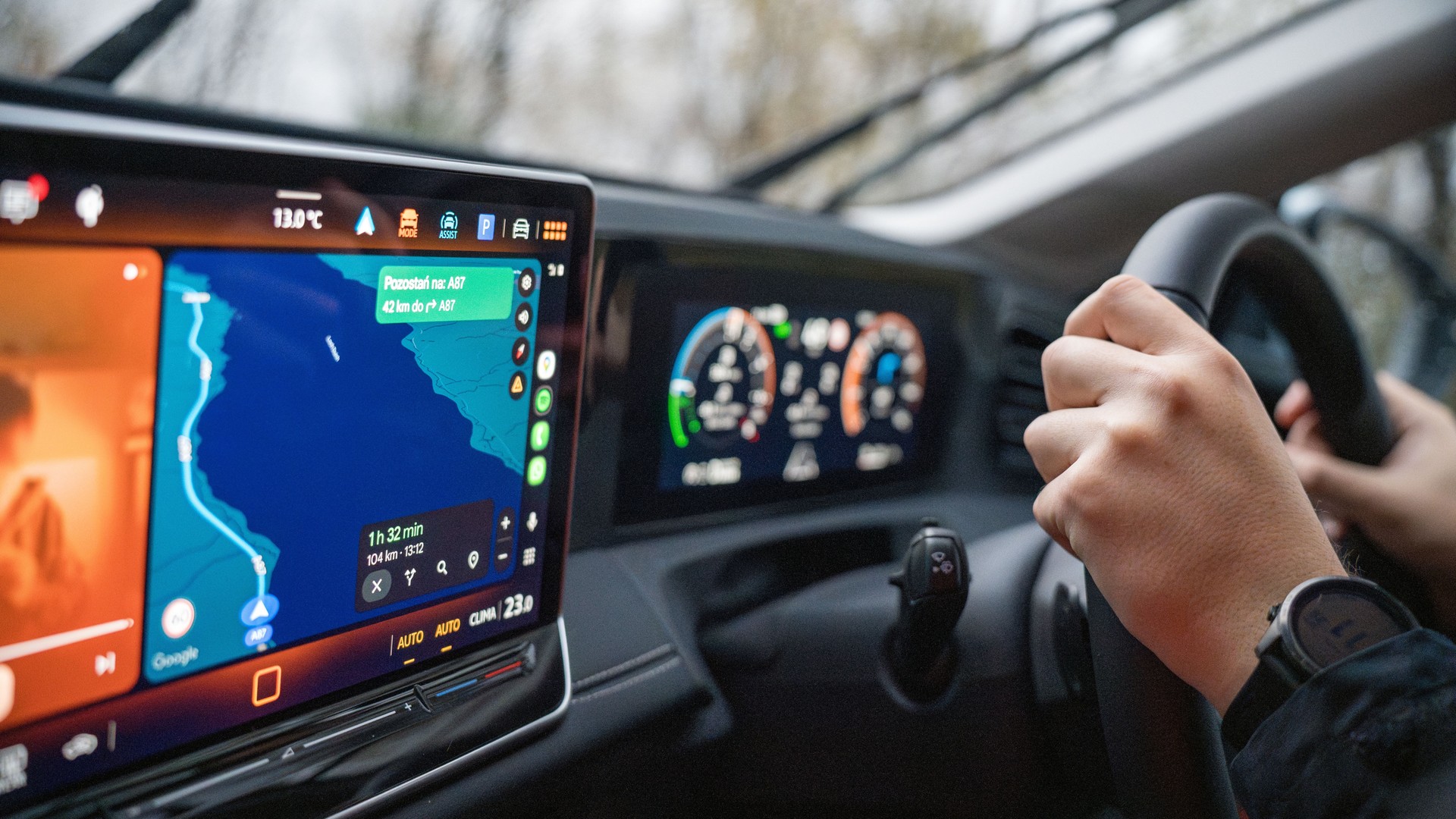
Gemini in Your Car Is Getting Personal. Check the Small Print Before You Switch It On
Gemini’s new in-car personalization promises less searching and more context. Eligibility and data permissions decide whether it is useful to you.

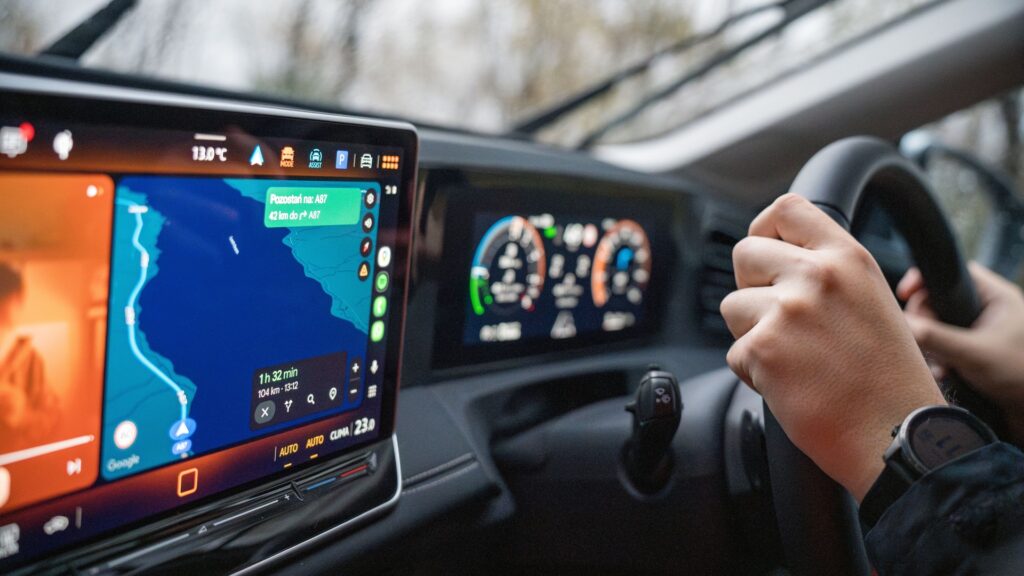
A voice assistant that understands “take me to my appointment” sounds more useful than one that needs a street address dictated at a junction. It also needs to know which appointment you mean. That is where the convenience becomes a decision about your data.
Google’s latest move brings Personal Intelligence to Gemini in the car. There is a substantial catch for international readers: the new personalization currently excludes the European Economic Area, the UK, Switzerland and Nigeria. Having Gemini on your dashboard does not establish that you can use this addition.
For eligible drivers elsewhere, the interesting question is how much context to share. For readers in the excluded regions, it is whether there is anything to activate at all. Those are different questions, and treating them as one is a good way to waste an afternoon in settings.
The assistant and the personal layer have different launch schedules
Google’s October 20 announcement says Personal Intelligence is beginning to roll out on Android Auto; cars with Google built-in are due to follow in the coming months. The regional exclusions appear in its eligibility footnote. A rollout announcement is therefore neither universal access nor a promise that every compatible car receives the same functions immediately.
There are also two different car arrangements. Android Auto brings a connected Android phone’s experience to a compatible car display. Google built-in refers to Google services integrated into the vehicle. Before following instructions, establish which arrangement you actually have. A car containing Google Maps is not enough information to settle that.
This distinction matters when deciding whether to wait, troubleshoot or buy something. A replacement cable cannot remove a regional restriction. An expensive head unit should not be bought on the assumption that an announced account feature will become available. Check the missing layer before paying to replace the working one.
What makes this more than another voice-command update
The appeal is moving from an instruction you have already prepared to a request that needs some understanding of your life. In Google’s examples, the assistant can combine information from connected apps to help with a journey. These are the company’s described capabilities, rather than results from a MASEVIO road test.
Consider a hypothetical trip to an unfamiliar office. With a conventional navigation request, you supply the destination. With a personal assistant, the attraction is that the appointment can supply the missing context. The useful work happens before the map opens: identifying the right event and extracting the intended location.
That also identifies the weak point. An old invitation, a rescheduled meeting or two similar entries creates an interpretation problem. A fluent answer can conceal that ambiguity. Before starting the car, check that the destination matches the actual booking or invitation. The same habit remains useful whether the assistant is new or familiar.
Success should mean fewer steps between the intention and the correct action. A longer spoken answer is not automatically an improvement, particularly when you need a simple destination rather than a conversation.
Check eligibility before changing permissions
Google’s Personal Intelligence setup documentation specifies a personal account, age 18 or over and Keep Activity enabled. Work, school and supervised accounts are excluded. Further settings apply to particular connected services, and access is gradual.
For someone eligible to try it, a sensible sequence is to check the account and availability first, then review the apps offered in the settings. Do this while parked. Start with a modest, non-sensitive request whose answer you already know, so that you can assess whether the extra context is useful without depending on it.
An absent switch has several possible explanations. Do not assume that a feature advertised in English is available to every English-speaking account, or that changing the interface language changes the launch geography. For the UK and EEA, the current exclusion is a more useful answer than another round of reinstalling apps.
We found no confirmed launch date for those excluded regions in the announcement. Readers in Romania fall within the EEA exclusion. That says nothing by itself about every other Gemini feature available there; it applies to this personalization rollout.
Decide what the assistant needs to know
Google’s Connected Apps explanation distinguishes managing app connections from deleting Gemini activity. Disconnecting an app does not erase existing Gemini Apps Activity. Its explanation also distinguishes training directly on an entire inbox or photo library from the possible use of material derived during interactions, depending on settings.
That is a reason to read the controls rather than reduce the choice to “private” or “not private.” A permission switch, an activity setting and a deletion control do different jobs.
The practical question is specific: what recurring inconvenience would connecting this app remove? If you rarely need information from a particular source while travelling, there is little reason to grant access merely because the option exists. Conversely, someone whose day revolves around appointments may value contextual help more. The useful configuration depends on the job you want done.
Think about the passengers, too. Information that you are comfortable sharing with a service may still be awkward when spoken aloud beside a colleague. Before asking a personal question, consider who can hear the response. Personal relevance and a shared cabin are not always a comfortable pairing.
A better assistant is still not a reason to stop checking
Google has separately described Gemini integration in cars with Google built-in, including vehicle-specific assistance whose detail varies by manufacturer and model. Those capabilities should not be assumed to transfer to every Android Auto installation. Nor does an assistant understanding a request establish that it can control the relevant vehicle function.
Keep important checks outside the conversation. Confirm a time-sensitive booking with the provider. Look at a destination before departure. If a request becomes confusing, leave it until you can stop safely rather than turning a voice interaction into troubleshooting on the move.
The wider lesson is familiar from Android features with separate requirements: the feature name matters less than the conditions attached to it.
Personal Intelligence offers a plausible improvement to an everyday frustration: having to explain information your phone already holds. Whether that improvement is worth enabling depends on access, accuracy and the permissions involved. Try it against one real task you repeat. If it reliably removes effort, keep the useful connection. If it adds explanations, corrections and unwanted conversation, a plain destination remains a perfectly respectable instruction.
Smarter choices start with clearer information.
MASEVIO researches, compares and explains products, technology and emerging ideas to help make everyday decisions easier to understand.
MASEVIO may use affiliate links in some articles. If you buy through an eligible link, MASEVIO may earn a commission at no additional cost to you. Editorial opinions are not determined by affiliate partnerships.


Make every day smarter.
Discover what matters now — useful ideas, standout products, clearer comparisons and stories worth knowing.