

Android’s New Scam Protections: What Your Phone Will Actually Get
Google is adding new barriers against mobile fraud, but eligibility and rollout dates differ. Here is how to check the protections that matter on your phone.

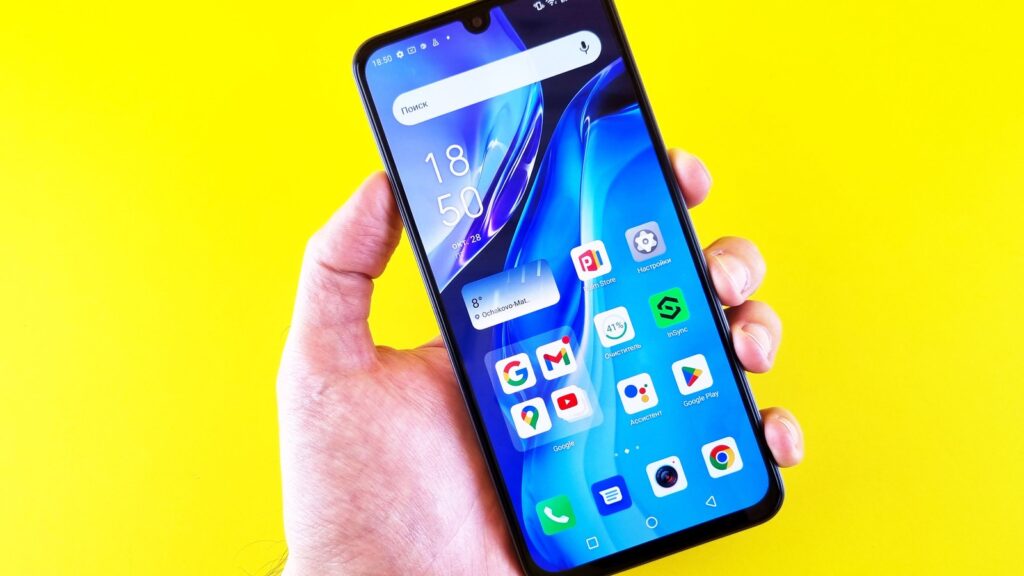
A new fraud warning is useful only if your phone can actually show it. Google’s latest Android security announcements bring several different protections together, with different requirements and launch dates. Buying a newer handset is not, by itself, proof that every safeguard is running.
Google announced the changes on 14 October. For an Android user, the useful question is which layer applies to the message, call or screen-sharing session in front of them.
One announcement, several separate rollouts
The distinction matters when explaining the update to someone else. A family member waiting for one missing menu is not necessarily overlooking a setting. Check the particular feature instead of treating “scam protection” as one switch.
Messages, chat notifications and phone calls are different
Start with the app you actually use. SMS protection in Google Messages does not tell you whether Android can inspect a notification from another chat app. An alert during a phone call is another system again.
Google’s chat-notification help page lists supported countries and languages. Romania and Romanian are absent from the lists consulted on 20 October. Readers elsewhere should check both lists rather than assuming that owning a listed brand is sufficient.
That is a limit of this particular feature, not evidence that every Android security feature is unavailable in Romania. Changing the phone’s language is not a documented substitute for country and device eligibility.
The separate Scam Detection feature in the Phone app is limited to eligible Pixels and supported locations/SIMs. It is optional and performs its call analysis on the device. Do not confuse it with the wider expansion of chat alerts.
“AI protection” does not describe one privacy model
Local analysis and remote processing are different choices. Google describes AICore as a service for on-device AI, but says feature availability varies by manufacturer and device. Seeing AICore installed is not a certificate that every new function is supported.
For cloud features, Google’s Private AI Compute explanation describes an isolated processing environment. That is the company’s account of its architecture, rather than a claim that processing happens on the handset. Read the feature’s consent notice before enabling it, especially if you want to keep particular information off remote systems.
Reporting a suspicious conversation is also a separate action. Do not equate the privacy description for automatic detection with the data sent when you deliberately submit a report.
What you can check without waiting for a new phone
- Update the software you already have. Use the phone’s normal system-update process and official app store. A web page offering a special “anti-scam update” is not a reason to install an APK.
- Review Google Messages if it is your messaging app. Open your profile picture, then Messages settings, Protection & Safety and Spam protection. Google’s current instructions say the entry appears only where available; labels may differ by app language.
- Check the named feature’s eligibility page. Record the phone model and software version before comparing requirements. Do not use another person’s screenshot as evidence that your account should have the same menu.
- Use a trusted route to verify a request. Open the bank or delivery app yourself, or use a contact number you already know. Do not rely on the contact details supplied in the questionable message.
The last step remains useful even with every warning enabled. The FTC’s phishing guidance recommends contacting a company through a known genuine number or website. A message that attracts no warning has not been certified as honest.
Where the protection ends
A plausible story can still persuade someone to make a transfer themselves. A familiar-looking name, a reassuring conversation and the absence of a red banner do not settle whether the request is real.
If someone contacts you unexpectedly and wants a security code, a remote-control session or urgent account changes, pause the interaction and verify it independently. That pause is useful today, including on phones that will never receive the newest feature.
The sensible upgrade is to know which protections you have, keep them maintained and retain a separate way to check an urgent request. Treat the new warnings as help with that decision, not permission to stop making it.
Smarter choices start with clearer information.
MASEVIO researches, compares and explains products, technology and emerging ideas to help make everyday decisions easier to understand.
MASEVIO may use affiliate links in some articles. If you buy through an eligible link, MASEVIO may earn a commission at no additional cost to you. Editorial opinions are not determined by affiliate partnerships.


Make every day smarter.
Discover what matters now — useful ideas, standout products, clearer comparisons and stories worth knowing.